How to Compress a Video for Email Under 25 MB
How to compress video files under the strict 25 MB attachment limit on Gmail, Outlook, and Apple Mail without relying on cloud links.
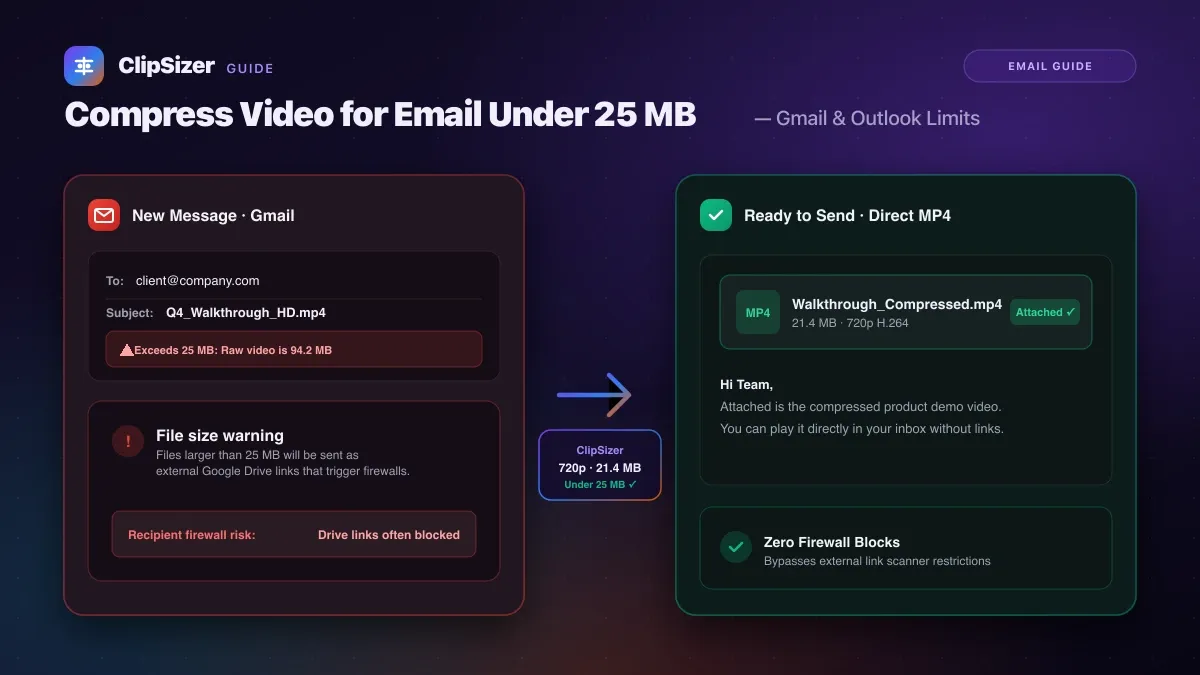
To send a video directly as an email attachment, compress your file so its total size remains strictly under 25 megabytes. Setting an export target of 20 MB to 22 MB guarantees your clip attaches seamlessly across Gmail, Outlook, Yahoo, and Apple Mail without triggering automatic cloud link converters.
While cloud storage links (like Google Drive or OneDrive) are common, many corporate spam filters and firewalls automatically strip or block external download links from incoming emails. Sending a native MP4 attachment ensures your recipient can download and view your footage directly in their inbox.
Email provider attachment limits
Most major email providers enforce strict maximum message size caps that include email text, headers, and attachments:
| Email Provider | Maximum File Attachment Size | Behavior Over Limit |
|---|---|---|
| Gmail | 25 MB | Replaces file with Google Drive link |
| Outlook.com / Office 365 | 20–25 MB (depends on tenant) | Blocks message with size warning |
| Apple Mail / iCloud | 20 MB | Prompts to use Mail Drop |
| Yahoo Mail | 25 MB | Prompts to use cloud storage |
| Proton Mail | 25 MB | Rejects upload over 25 MB |
How to shrink a video for email
Modern smartphones record 4K or 1080p footage at bitrates that generate 100 MB to 300 MB for a single minute of recording. Here is the fastest way to squeeze your video under 25 MB while keeping speech and details legible:
- Downscale resolution to 720p: High-definition 720p (1280 × 720) looks remarkably sharp on laptops and phone screens while using less than half the data of 1080p.
- Trim unneeded frames: Cut out pauses before and after the action. Reducing a 60-second clip to the essential 30-second demonstration instantly cuts file weight in half.
- Use the H.264 MP4 container: H.264 is universally supported across Windows, macOS, iOS, Android, and webmail clients without requiring custom video players.
Privacy benefits of direct email compression
When you use ClipSizer to compress your video for email, your footage is processed locally inside your web browser using WebAssembly.
Unlike third-party compression websites that upload your video to external servers before giving you a download link, your sensitive legal records, client presentations, or family recordings never touch our servers.
Sources
- Gmail Help: Send attachments with your Gmail message — checked 10 Nov 2026
- Microsoft Support: Attachment size limits in Outlook — checked 10 Nov 2026